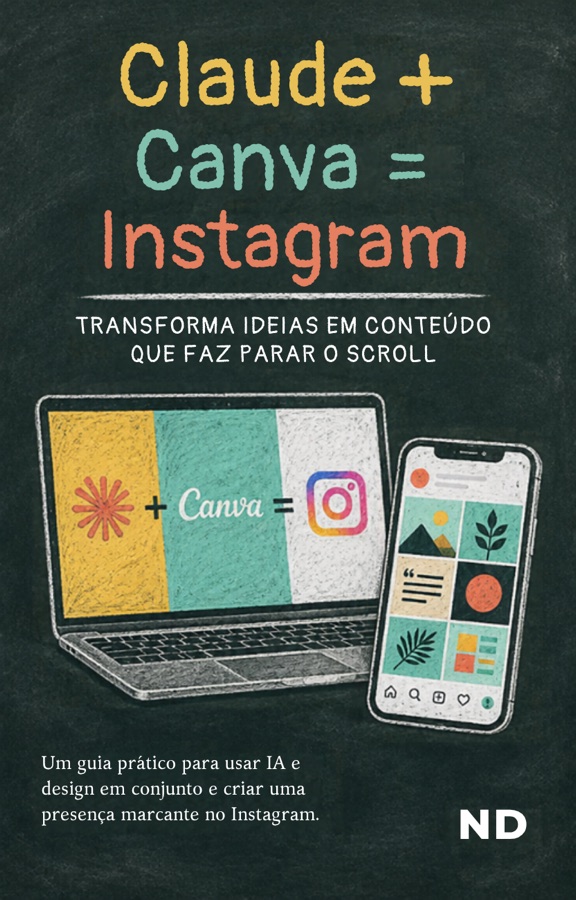
8 pages · PDF · free, no registration required · the e-book itself is in Portuguese
The method
From chaos to content in three steps.
Creating content need not be a second job. Claude handles the strategy and the copy; Canva handles the design and the publishing.
01
Strategy with Claude
Rather than facing a blank page, ask Claude for the content plan and the copy for each post.
"Act as a digital marketing specialist for [your niche]. Create a table with five Instagram post ideas. Include: carousel title, short caption, relevant hashtags and text for the image."
02
Bulk creation in Canva
With the copy ready, Canva designs dozens of posts at once.
Choose a carousel or post template.
Go to Apps › Bulk Create.
Paste Claude’s table or upload the CSV.
Connect each text to its element and click Generate.
03
Schedule on Instagram
Connect Canva’s Content Planner to your Instagram Business account, set the dates, paste the captions and hashtags, and leave the rest on autopilot. More consistency, less manual work.
Next step
Technology does not replace your voice. It gives you time.
Would you like help building your digital ecosystem or automating your business? Do get in touch.